
A physics-based marble platformer about navigating through the decaying FILTHWORLD, with emphasis on momentum, exploration, and difficulty. The game features 3 stages with 2 exploratory areas, is controlled via mouse and keyboard, and includes a demo recorder.
DOWNLOAD
SCREENSHOTS
DETAILS
DEMO TOOL
Download
System Requirements:
- Microsoft Windows
- 3D graphics accelerator card
- 136 MB of free disk space
File size: Approximately 136 MB
Important: The game is only supported on Microsoft Windows platforms.
Screenshots
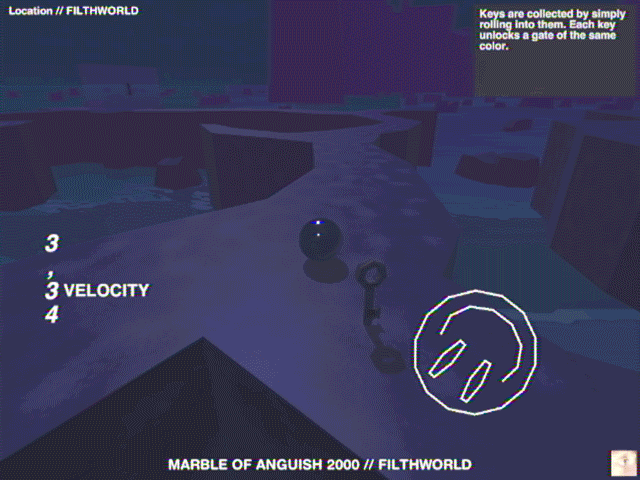
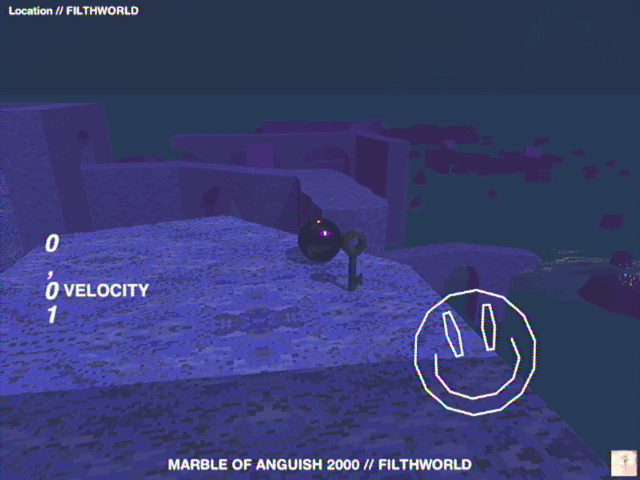
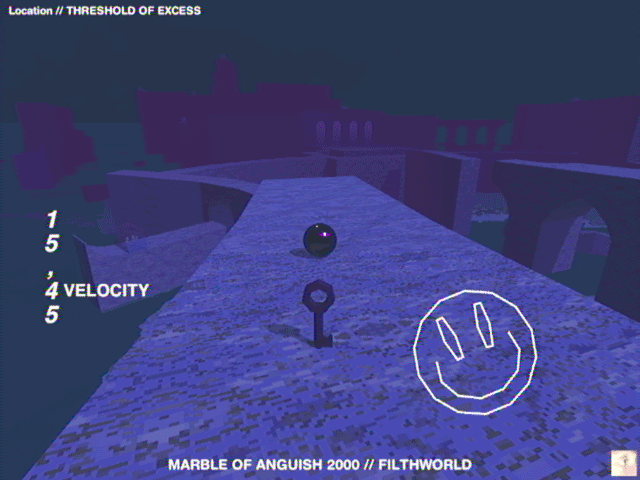
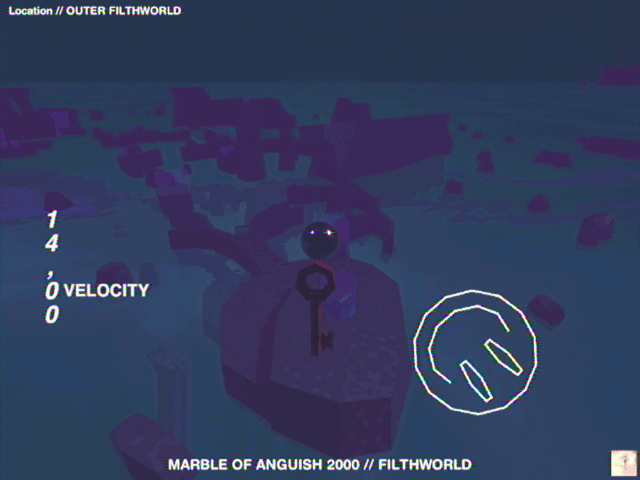
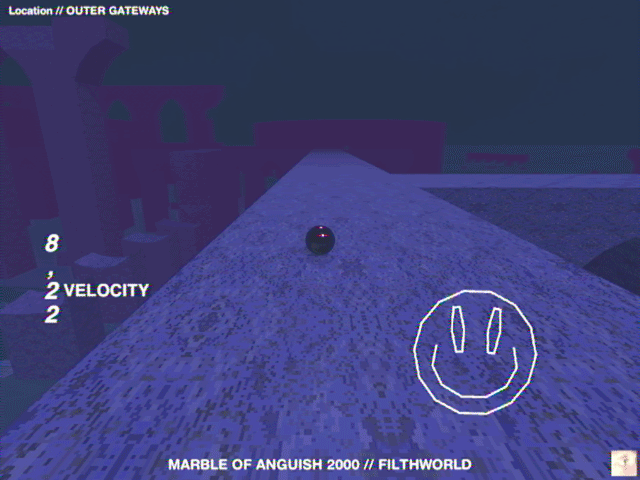
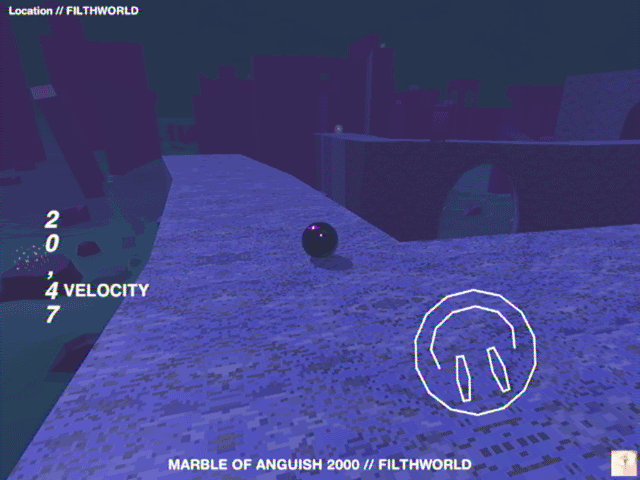
All screenshots taken in-engine, click to open in new tab.
Gameplay
Beating a stage means reaching the finish flag. Your experience will vary based on the difficulty you choose. The intended difficulty is Hard, however learning to play is recommended on Practice. On all difficulties exploration and skips are encouraged.
Beating a stage means reaching the finish flag. Your experience will vary based on the difficulty you choose. The intended difficulty is Hard, however learning to play is recommended on Practice. On all difficulties exploration and skips are encouraged.
| Difficulty | Description |
|---|---|
| Regular | You can brake/slow down. You start with 3 lives (max 4) and regain one life each time you reach a checkpoint. |
| Hard | Fewer checkpoints are available. You start with 3 lives (max 3) and checkpoints do not restore lives. |
| Anguish | Death is permanent — you must restart the stage after dying. |
| Practice | Same ruleset as Regular, except you start with 10 lives (max 10). Checkpoints function as normal. |
Controls
The marble is controlled using the mouse and keyboard. Press W to roll forward. Move the mouse to steer both the camera and the marble's direction. You can also turn more gradually using the A and D keys. To slow down, hold Left Shift or S — this is only available on the Regular & Practice difficulty. Use the scroll wheel to adjust the camera distance. To record a demo, press F9 to start and F10 to stop (see 'Demo tool').
The marble is controlled using the mouse and keyboard. Press W to roll forward. Move the mouse to steer both the camera and the marble's direction. You can also turn more gradually using the A and D keys. To slow down, hold Left Shift or S — this is only available on the Regular & Practice difficulty. Use the scroll wheel to adjust the camera distance. To record a demo, press F9 to start and F10 to stop (see 'Demo tool').
Demo Tool
The Demo Tool is accessible from the configuration menu. It allows you to replay recorded demos, rewind and fast-forward, and use a free camera to explore the stage. For detailed controls, open the Demo Tool itself. You can record a demo during gameplay by pressing F9 to start and F10 to stop. Recording also ends automatically when you finish a stage or die with no lives remaining. Recorded demos are saved in the game data directory under 'Demos'.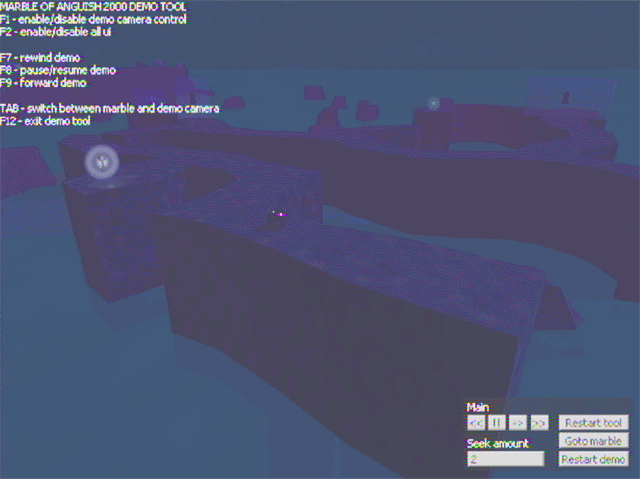
The Demo Tool is accessible from the configuration menu. It allows you to replay recorded demos, rewind and fast-forward, and use a free camera to explore the stage. For detailed controls, open the Demo Tool itself. You can record a demo during gameplay by pressing F9 to start and F10 to stop. Recording also ends automatically when you finish a stage or die with no lives remaining. Recorded demos are saved in the game data directory under 'Demos'.
To find out more about any topic related to the game, please refer to the in-game manual.


©2000-2003 pwl/woundgate.